
Video Showcase MOGRT
Point viewers to another video without cutting away from your edit. This MOGRT (Motion Graphics Template) for Adobe Premiere Pro drops a clean, animated video card into your timeline — perfect for a "watch next," a series entry, a related upload, or a cross-promo — and every part of it is editable straight from the Essential Graphics panel. No After Effects required.
Pay what you want. This template is free to download — if it saves you time, pay what feels fair. It helps us keep building templates like this one.
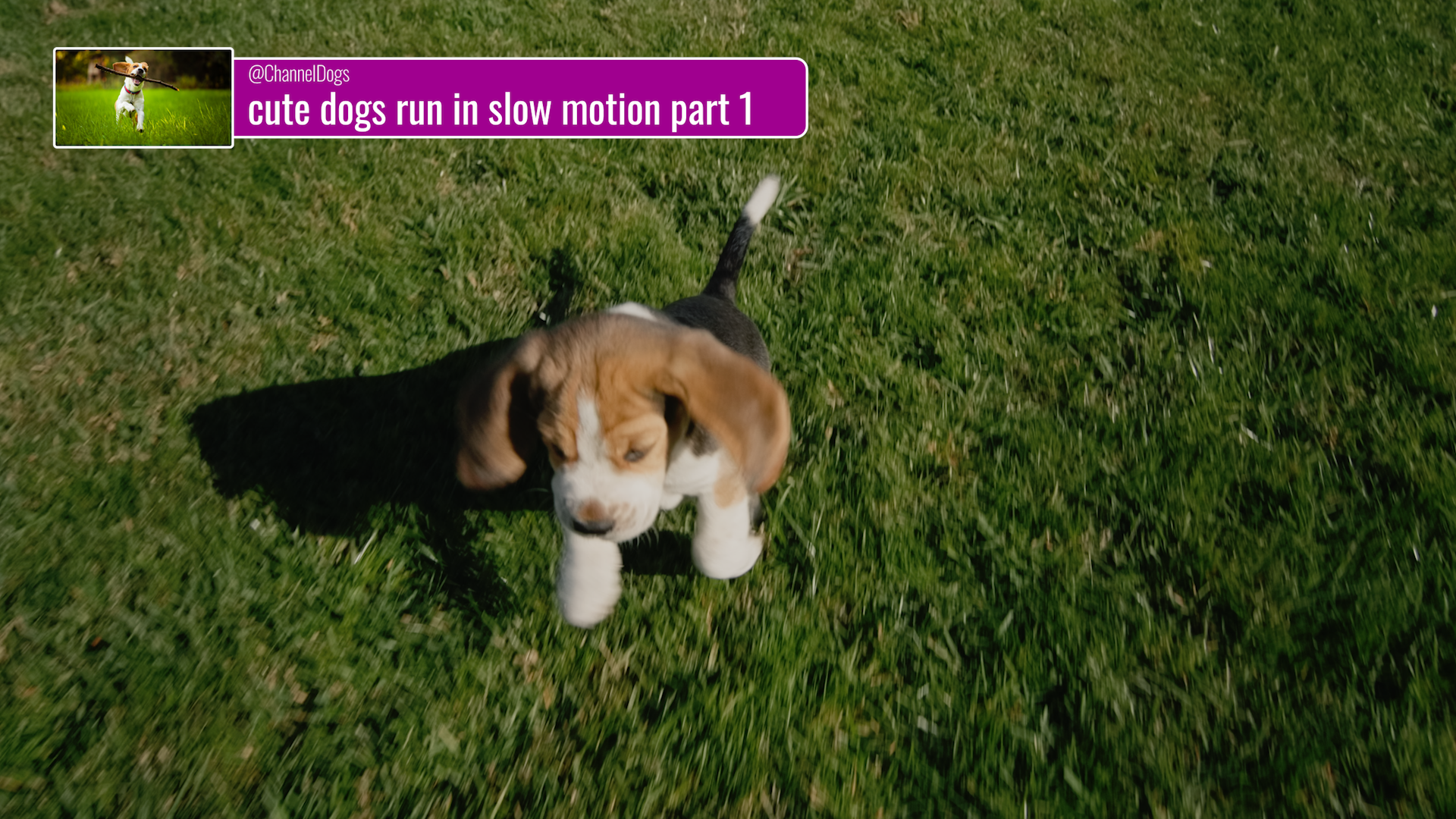
What you can customize
Text
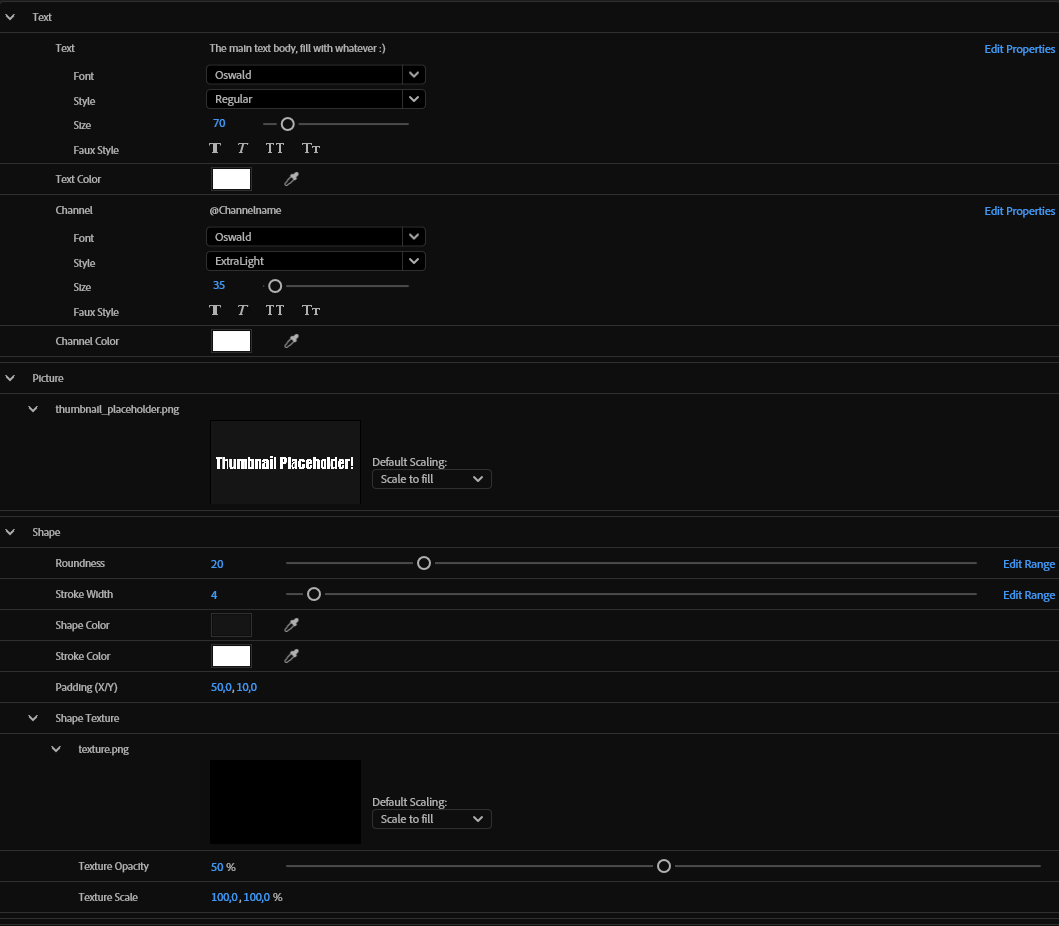
Main body text — font, style, size, and color all editable
Channel/handle line (@Channelname) with independent font, size, and color
Thumbnail
Drop in any image or video thumbnail — scales to fill automatically
Shape
Corner roundness — from sharp to fully pill-shaped
Stroke width and color
Fill color
Padding control (X/Y) so text never feels cramped
Optional background texture overlay with adjustable opacity and scale, for extra depth and grit
Every control lives in the Essential Graphics panel — click, type, done.
Perfect for
Pointing viewers to part 2 of a series, or a "previously on" recap
Cross-promoting a related upload without leaving your current video
A YouTube end-screen alternative that plays inside the video
Podcast clip and Shorts/Reels intros that reference another episode
Agency and freelance editors who need a reusable, on-brand template for clients
Why pay what you want?
We'd rather you try the template and see how it fits your workflow than read a sales page and guess. If it's useful, a small contribution helps fund new templates — but the download isn't gated behind it. Grab it, use it, and pay what feels right.
Requirements
Adobe Premiere Pro
No After Effects needed to use the template
Frequently Asked Questions
-
No. This is a MOGRT, built to be fully editable inside Premiere Pro's Essential Graphics panel.
-
Yes
-
Yes. The download isn't gated behind payment.
-
Yes, both the main text and the channel/handle line have independent font, style, and size controls.